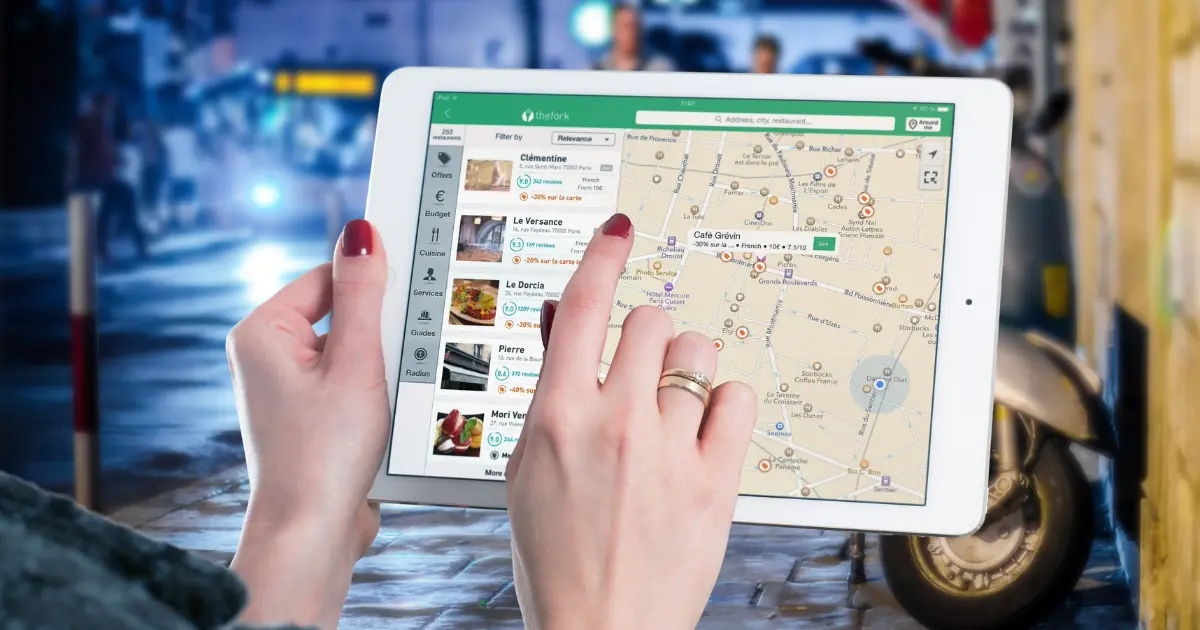
When someone searches for a local service, one of the first things they often see is a set of businesses on Google Maps. Those listings come from Google Business Profile, a free tool that lets you control how your business appears on Google Search and Maps.
A complete, active profile can make a real difference to how often your business shows up. Here’s how to optimise your Google Business Profile, step by step.
Claim and verify your profile
Start by searching for your business on Google. If a profile already exists, claim it. If not, create one at Google Business Profile and follow the verification steps. Verification confirms you’re the owner and unlocks all the editing tools.
Choose the right business categories
Your primary category is one of the most important settings on your profile. Pick the one that best describes your main service, for example “Plumber” rather than “Contractor”. You can then add secondary categories for other services you offer.
Complete every section
Google rewards complete, accurate profiles, and so do customers. Make sure you’ve filled in:
- Business name: your real business name, without extra keywords.
- Service areas or address: the suburbs or regions you cover, or your address if customers visit you.
- Opening hours: including public holiday hours.
- Phone number and website: so people can contact you in one tap.
- Services and description: what you do, in the words your customers use.
Key takeaway: keep your business name, address and phone number exactly the same on your profile, your website and any directories. Consistent details help Google trust your business information.
Add real photos regularly
Photos help people get a feel for your business before they contact you. Add your logo, a cover photo, photos of your work, your team and your premises or vehicles. Real photos tend to connect far better than stock images, and adding new ones regularly keeps your profile looking active.
Ask for reviews and reply to them
Reviews are one of the biggest trust signals for local customers. Make it a habit to ask happy customers for a review, and share a direct review link to make it easy.
Reply to every review, good or bad. A thoughtful reply to a negative review shows future customers that you care and handle issues professionally.
Post updates
Google Business Profile lets you publish short posts, like offers, news, events or recent jobs. Regular posts keep your profile fresh and give customers another reason to choose you.
Connect your profile to a strong website
Your profile and your website work together. Google looks at both to understand what you do and where you do it. A clear website with your services, service areas and contact details helps back up the information on your profile.
Setting up and managing your profile is part of our local SEO service, and if your website needs work, see our web design service.
Google Business Profile FAQs
Is Google Business Profile free?
Yes. Creating and managing a Google Business Profile is free.
Can I have a profile without a shop front?
Yes. Service-area businesses, like trades that travel to customers, can hide their address and show the areas they serve instead.
How long does it take to see results?
Some changes, like fixing categories or adding photos, can help fairly quickly, while reviews and regular activity build your visibility over time. Vibe Search Local can help you set it up properly from the start.